

📰
Three-pane reader
Sidebar of feeds and folders, the article list, and a focused reader. Keyboard navigation (j/k/r/m/s/?), drag-to-reorder.
Self-hosted RSS aggregation with an optional on-device LLM and a paper-and-ink interface. One Go binary, one container, one tab.
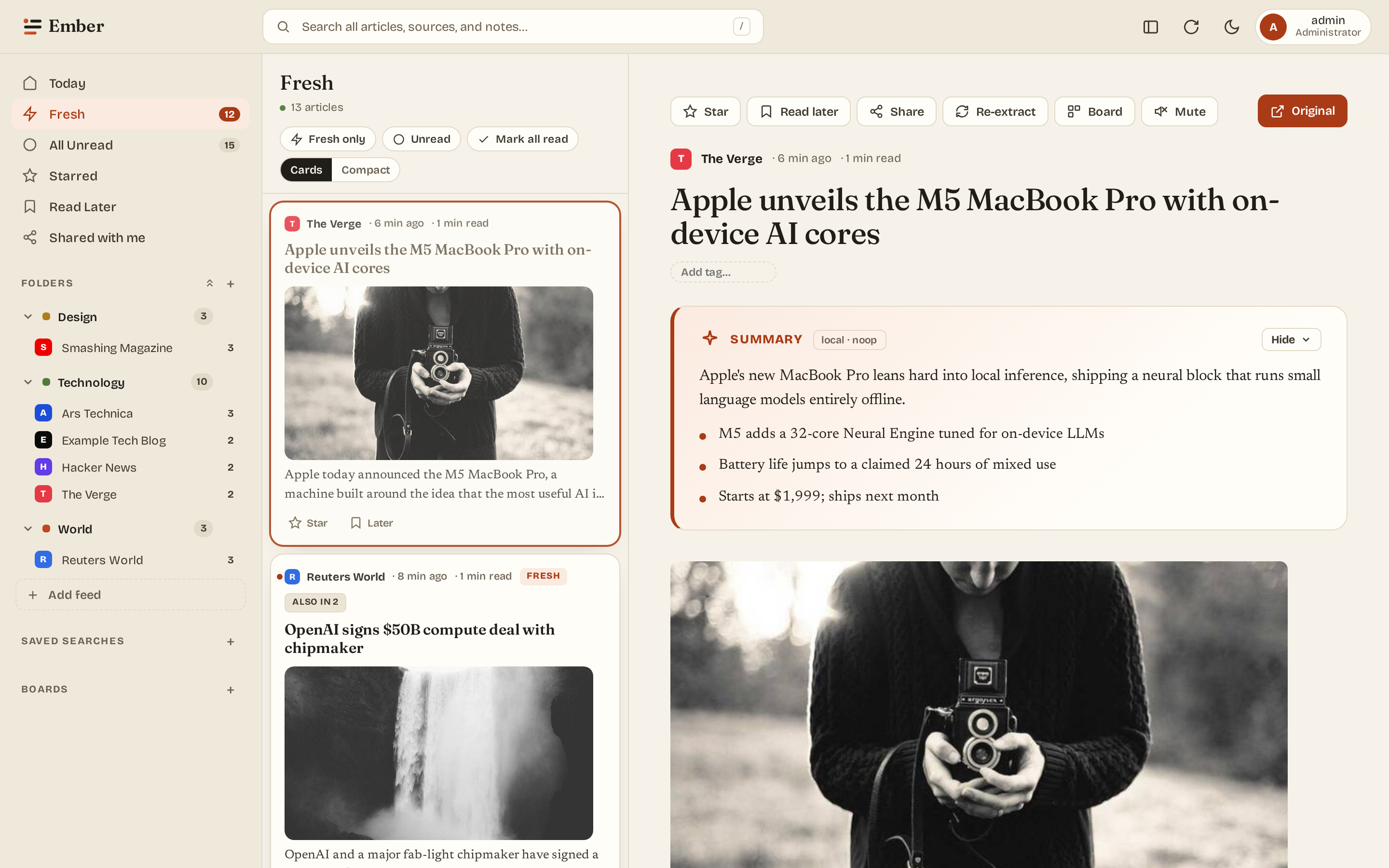
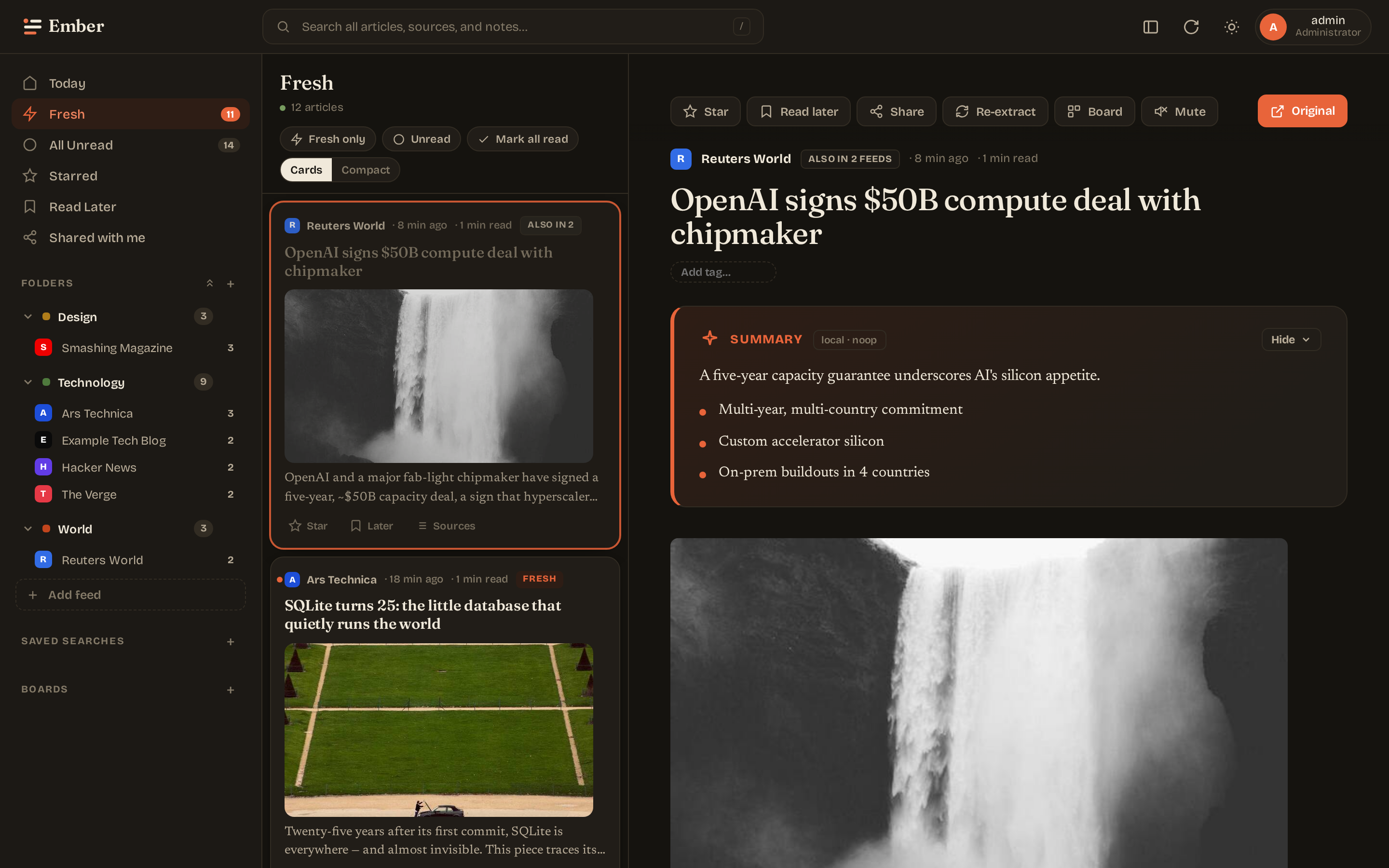
AI is fully optional. The summary card, model picker, and Ollama sidecar are an opt-out feature, not a dependency. Set EMBER_DISABLE_SUMMARIES=1 (or run the stack without the ollama container) and the reader works exactly the same — minus the summary card. No model download, no inference, no LLM code paths run. Even when enabled, everything stays on your box; no article content leaves the host.
And plenty more under the hood: migrate your library (OPML subscriptions, or a full Tiny Tiny RSS migration — subscriptions, folders, and starred/archived articles), a Fever-compatible API (Reeder, FeedMe & co. via a random per-user token), passkey sign-in (Touch ID / Face ID / hardware keys), an opt-in daily digest email, subscribe-by-URL discovery (including YouTube channels and Mastodon profiles), 15-second auto-refresh with a favicon unread dot, and live admin controls for hot-swapping the LLM model, tuning generation params, and scheduling backups / cleanup / OPML exports.
Most RSS readers are either bloated cloud services that mine your reading habits, or unmaintained scripts from the Google Reader exodus. Ember is what an opinionated 2026 reader looks like: a single Go binary you run on your own box, a paper-and-ink interface, and — only if you want it — small-local-LLM summaries for the days you can't read 300 articles.
git clone https://github.com/brandonhon/ember.git
cd ember/deploy
cp .env.example .env
# Set EMBER_SESSION_KEY and EMBER_ADMIN_PASSWORD
docker compose up -d
Open https://localhost, log in, click a starter pack. You'll see articles within a minute.
See Getting started for details.